10 Best AI Subtitle Generators in 2026
By Rachit Bhatia — 9 min read
July 26, 2026
Most “best AI subtitle generator” roundups rank on feature checklists and call it done. We ranked these ten on two things that showed up over and over in actual creator complaints, not marketing pages: cost per minute, and what happens to your export the moment you stop paying.
The short version
- CentClip is our pick if you caption occasionally or in bursts: 5¢/minute, no subscription, credits that don’t expire, and a free tier that doesn’t watermark your video.
- VEED and Descript are the strongest all-around editors if you’re already living inside a browser-based video tool.
- Submagic is built specifically for short-form vertical content with a big animated-caption template library.
- CapCut is still free. Auto-captions, the exact thing that probably brought you here, are now a Pro-only feature.
A quick honesty check before the list
Not everyone who adds captions sees a lift. One creator posting in a small-YouTuber Reddit thread said their captioned Shorts pulled in 3,000-5,000 fewer views than their uncaptioned ones. That’s a real, measurable gap at their channel size. They still landed on using captions anyway, because their content is faceless and viewers can’t follow along on sound alone otherwise. The lesson isn’t “captions don’t work.” It’s that the case for captions is stronger for some formats (faceless, silent-scroll, accessibility-driven audiences) than others, and nobody selling you a subtitle tool is going to volunteer that.
How we ranked these
Every “best AI subtitle generator” list has a version of a feature table. We built ours around three questions that came up over and over in actual creator discussions, not just marketing pages:
- What does it cost per minute of video, not per month? A $16/month plan sounds cheap until you do the math on 40 minutes of footage.
- Does the free tier watermark your export, or otherwise cripple it? This came up more than accuracy in the threads we read: creators trying a tool for free and getting burned by a watermark they didn’t expect.
- Is it actually free, or “free” with an asterisk? CapCut and YouTube’s native captioning both get called “free” online. Only one of those is free in the way people actually experience it day to day — the other one just changed its mind.
Accuracy and language support still count, but they’re the tiebreaker, not the headline, because most engines have converged to roughly the same ballpark on clean audio.
The 10 tools, compared
| Tool | Pricing model | Cost/min | Free tier watermark? | Languages | Best for |
|---|---|---|---|---|---|
| CentClip | Pay-per-minute | 5¢ | No | 50+ | Occasional or bursty captioning |
| VEED | Subscription | ~$0.40+ (Pro ÷ use) | Yes, on free plan | 100+ | Browser-based all-around editing |
| Descript | Subscription | ~$0.53+ (Creator ÷ use) | Yes, on free plan | 26+ | Text-based editing workflow |
| Kapwing | Subscription | ~$0.53+ (Pro ÷ use) | Yes, on free plan | Not specified | Team collaboration |
| Submagic | Subscription | ~$0.53+ (Basic ÷ use) | Yes, 3 videos/mo free | Not specified | Short-form vertical video |
| ZapCap | Subscription | ~$0.27+ (Starter ÷ use) | Yes, on free plan | Not specified | Auto-generated viral-style captions |
| Happy Scribe | Subscription | ~$0.57+ (Basic ÷ use) | No (10 free min, no watermark) | 150+ | Widest language coverage |
| Rev | Pay-per-minute (+ human option) | 25¢ AI / $1.99 human | No | 37+ | Maximum accuracy, human review |
| Maestra | Subscription or credits | ~20¢ (pay-as-you-go tier) | Limited free trial | Not specified | Translate + dub in one pipeline |
| CapCut | Free (captions now Pro-gated) | Free / Pro required | N/A | 20+ | Free short-form editing, if you have Pro |
Subscription cost-per-minute figures are the cheapest paid tier divided by that tier’s monthly cap. Actual cost varies with how much of the plan you use.
Ranked, one by one
1. CentClip
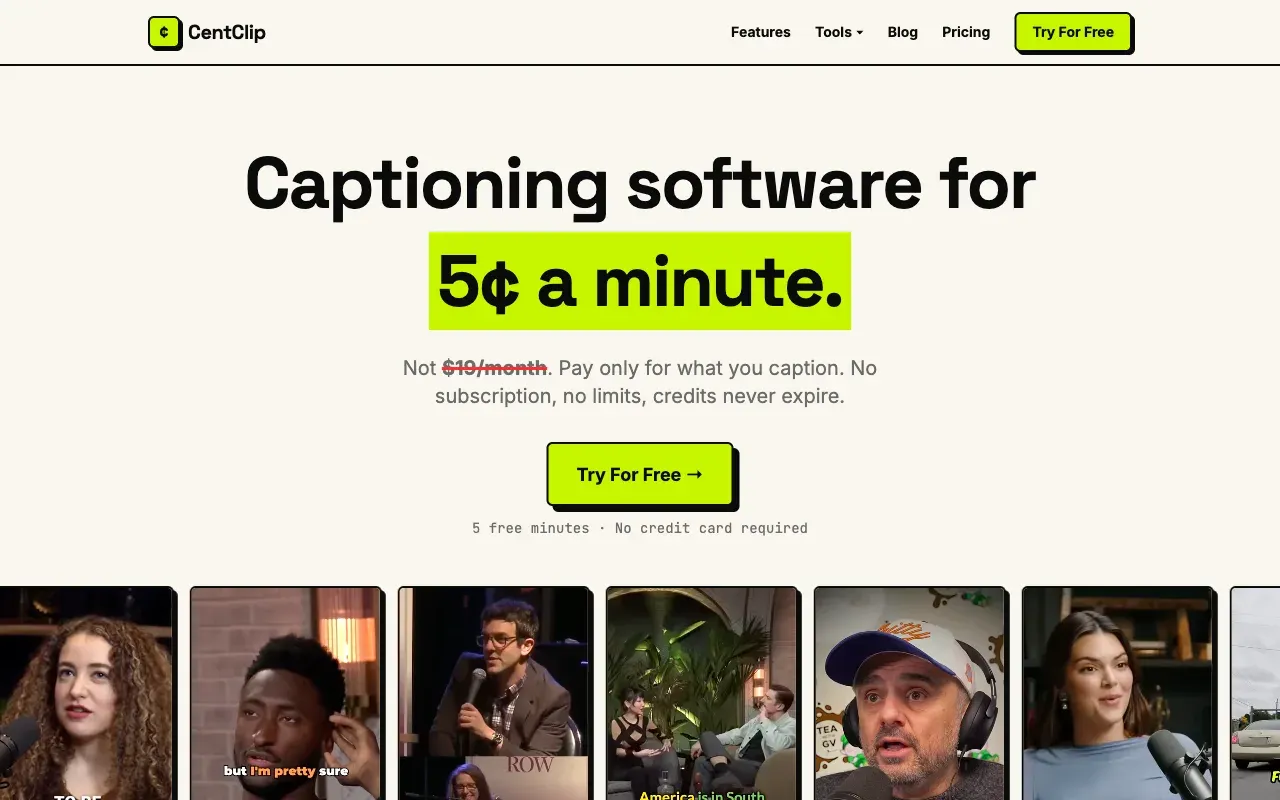
CentClip charges 5¢ per minute of video captioned. No subscription, no monthly minimum, no credit reset. Buy $10 of credits and it’s 200 minutes whenever you need them, next week or three months from now. The first 5 minutes are free, and that free export doesn’t carry a watermark, which puts it in a smaller group than you’d expect: most of the tools on this list watermark or otherwise limit their free tier.
The honest limitation: CentClip is captions-only. If you want an all-in-one editor with timeline cutting, b-roll, and templates, you’re better served by VEED or Descript. If captions are the actual bottleneck and everything else you already have covered, paying only for what you use is hard to beat on price.
2. VEED
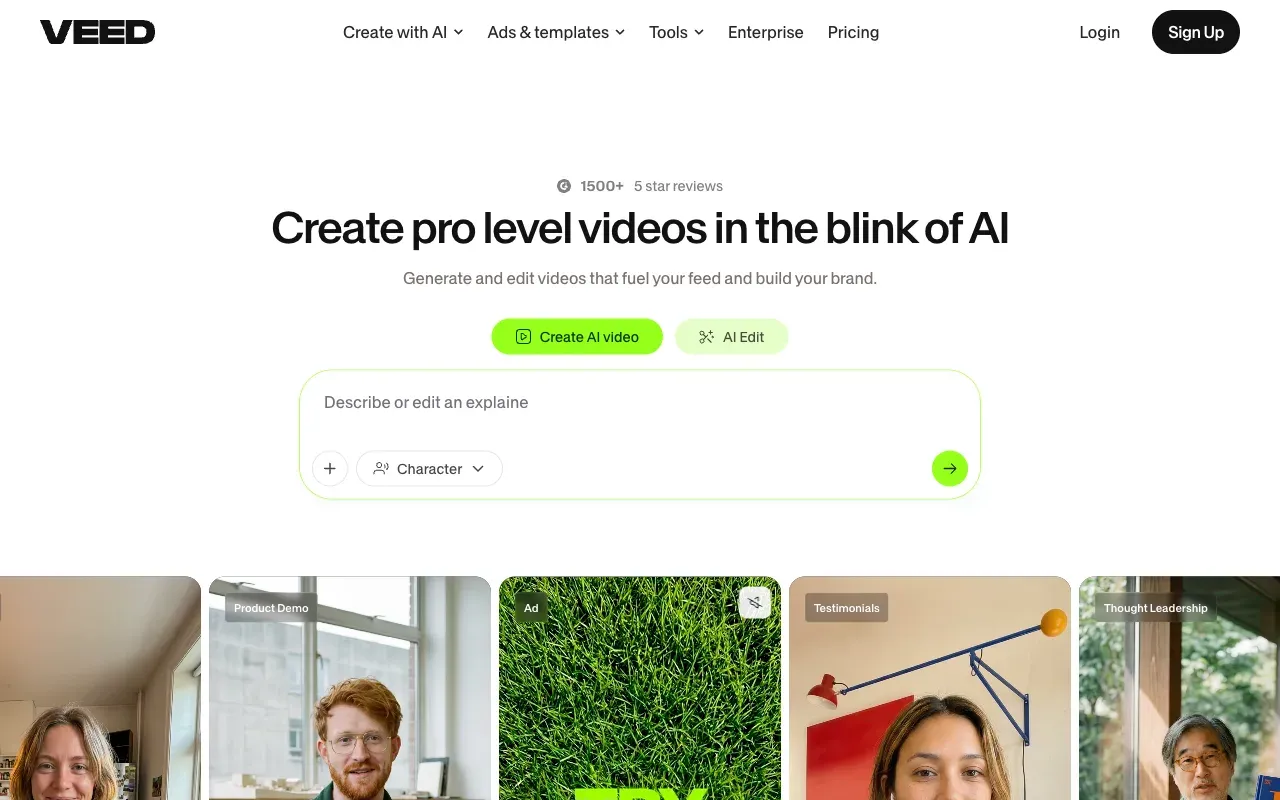
VEED is a full browser-based video editor with auto-captions built in, plus a large template library, animated caption styles, and 100+ supported languages. It’s the tool most creators in this space have at least tried once.
Free tier exports are watermarked; removing it requires a paid plan starting around $12-15/month depending on the promotion running. If you’re already editing full videos in VEED, captions are close to free as a marginal feature. If captioning is the only reason you’d sign up, you’re paying for an editor you won’t use.
Read the full CentClip vs VEED comparison →
3. Descript
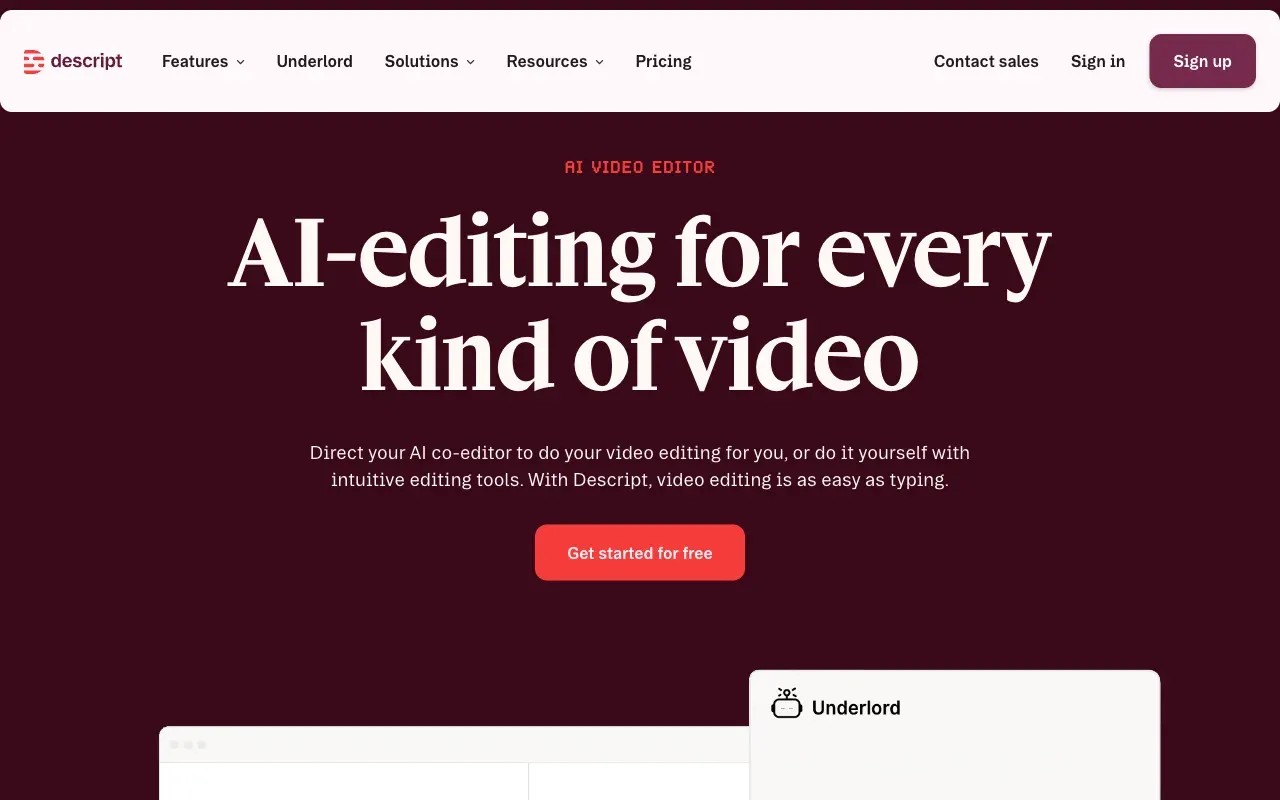
Descript’s pitch is that editing video should feel like editing a document: cut a word from the transcript, and the video cut follows. For anyone who edits by re-reading and trimming dialogue, that’s a genuinely different, often faster workflow than a timeline editor.
Free tier is watermarked and capped; paid plans start around $16/month. Language support (26+) is narrower than most competitors here, worth checking if you work in a less common language.
Read the full CentClip vs Descript comparison →
4. Kapwing
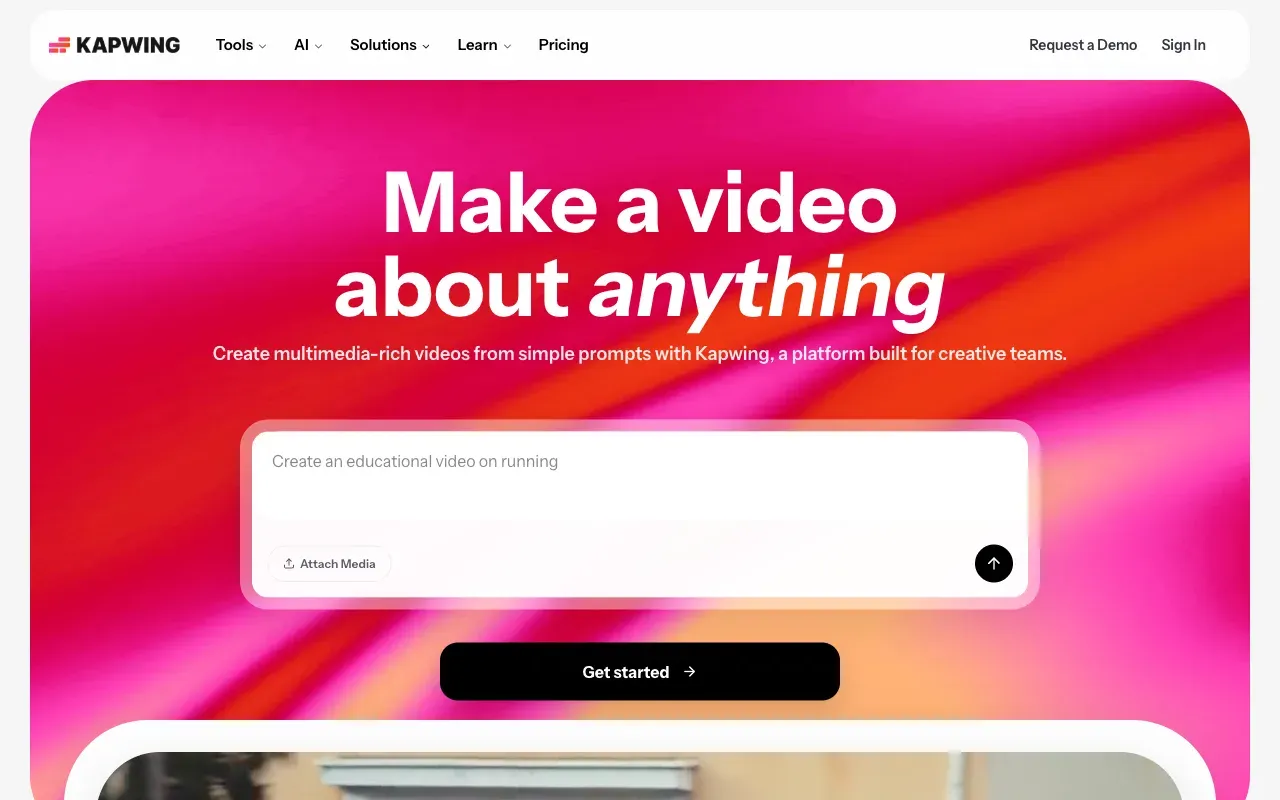
Kapwing’s strongest case is for teams: shared workspaces, comment threads on drafts, multi-editor collaboration. Auto-captions handle longer-form video reliably.
Free tier is watermarked and capped on video length/resolution; Pro starts at $16/month. If you’re a solo creator, skip it — you’d be paying for collaboration tooling you won’t touch.
Read the full CentClip vs Kapwing comparison →
5. Submagic
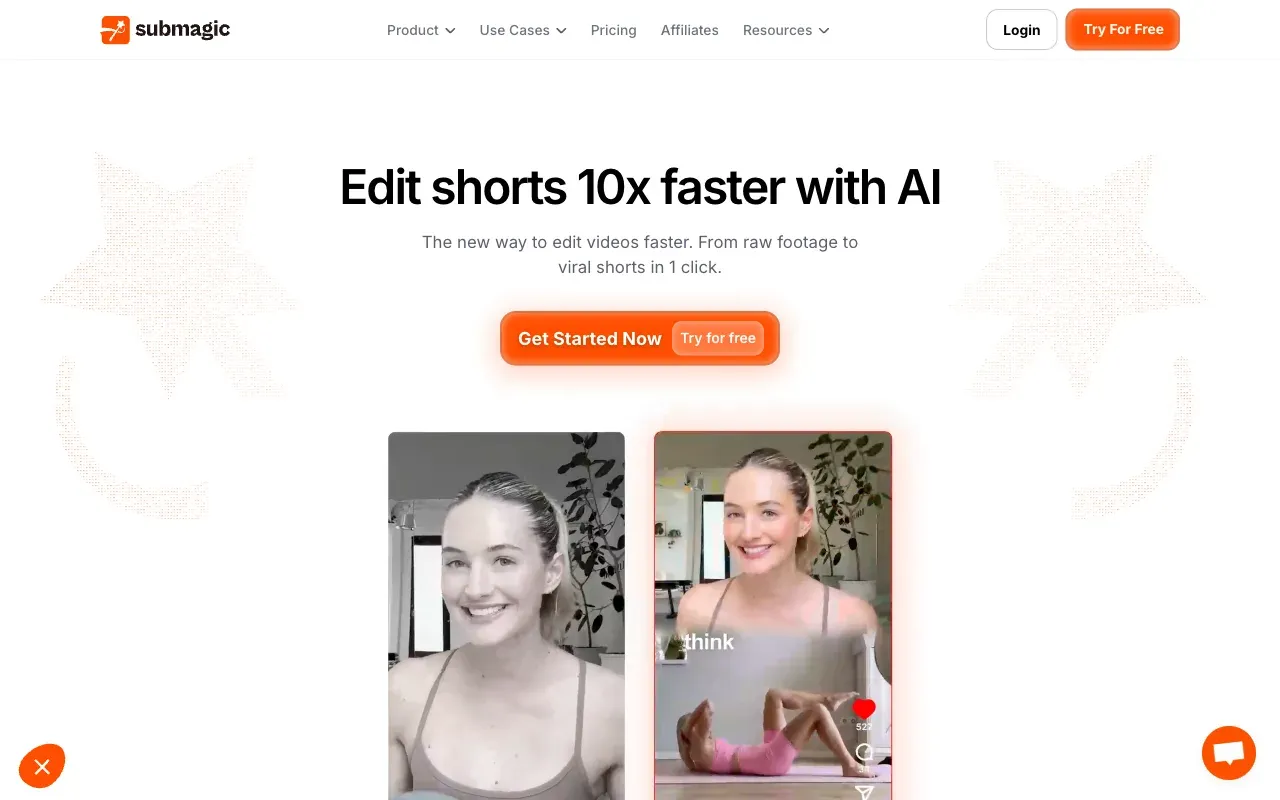
Submagic is purpose-built for short-form: 50+ animated caption templates designed to look native on TikTok, Reels, and Shorts, plus direct integrations into editing tools people already use (Premiere Pro, CapCut, and others).
The free tier gives 3 watermarked videos a month: enough to test, not enough to run a content calendar on. Paid plans start around $16/month. If your whole output is short-form and you want the templates specifically, this is a reasonable fit. If you just need clean captions without the animation library, you’re paying for features you won’t use.
Read the full CentClip vs Submagic comparison →
6. ZapCap
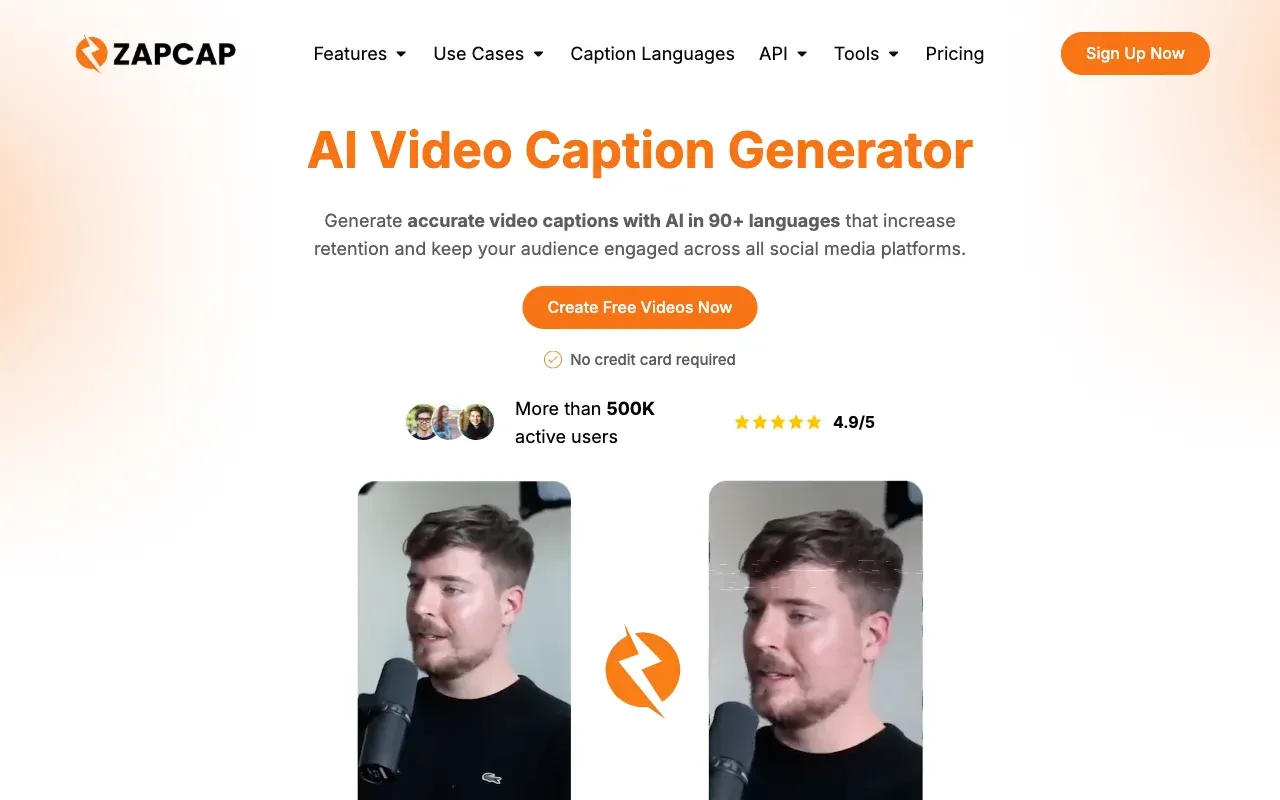
ZapCap came up organically in a Reddit thread about subtitle tools, unprompted, which is a better endorsement than most marketing copy. It’s positioned around auto-generated, high-energy caption styles similar to what performs well on short-form platforms, without requiring manual style setup.
The free tier caps out at 3 videos a month, 90 seconds each, watermarked. The cheapest paid plan removing the watermark is $8/month for 15 projects at 2 minutes apiece, roughly 27 cents a minute if you use the whole allowance.
Read the full CentClip vs ZapCap comparison →
7. Happy Scribe
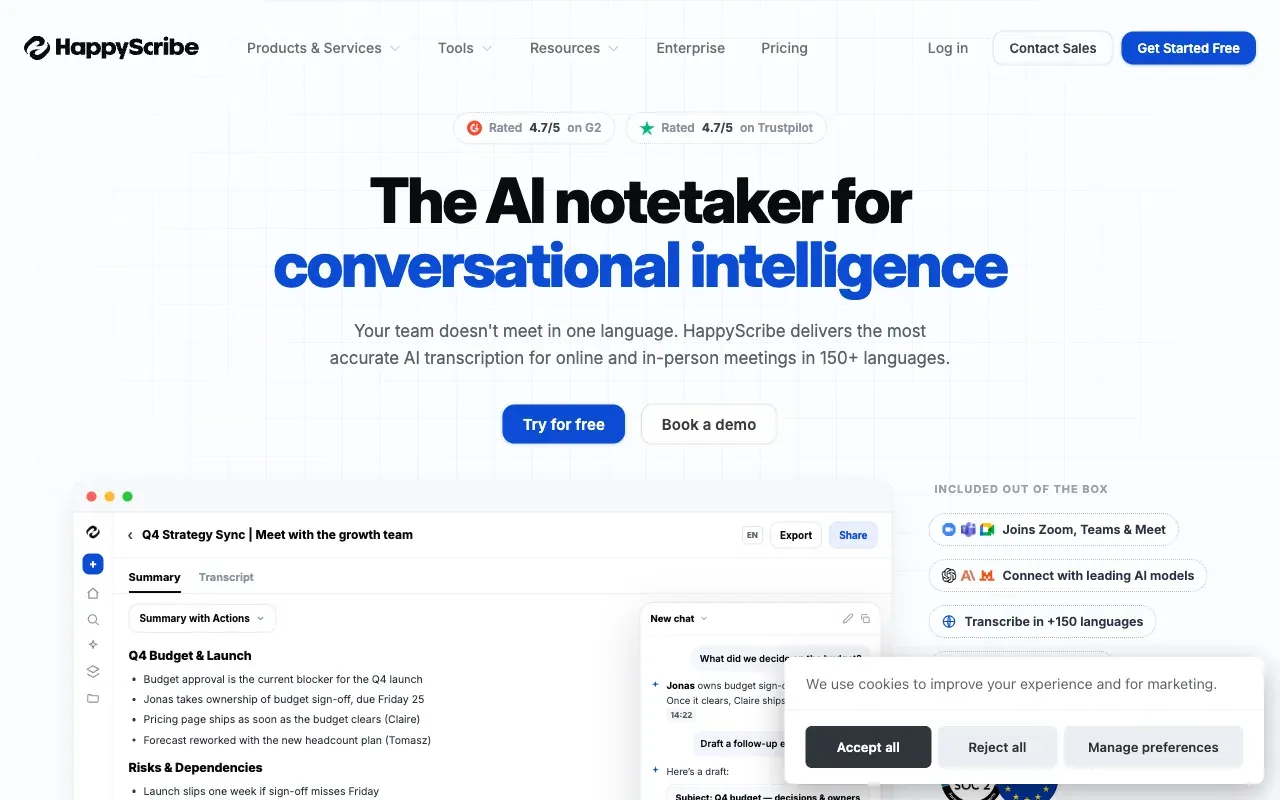
If your work spans a lot of languages, Happy Scribe’s 150+ language count is the widest on this list by a large margin, and it offers both AI and human transcription tiers.
The free tier is one of the better ones here: 10 free minutes, no watermark. AI accuracy on heavily accented or technical audio reportedly lags behind Rev’s, though. Paid plans start around €17/month.
Read the full CentClip vs Happy Scribe comparison →
8. Rev
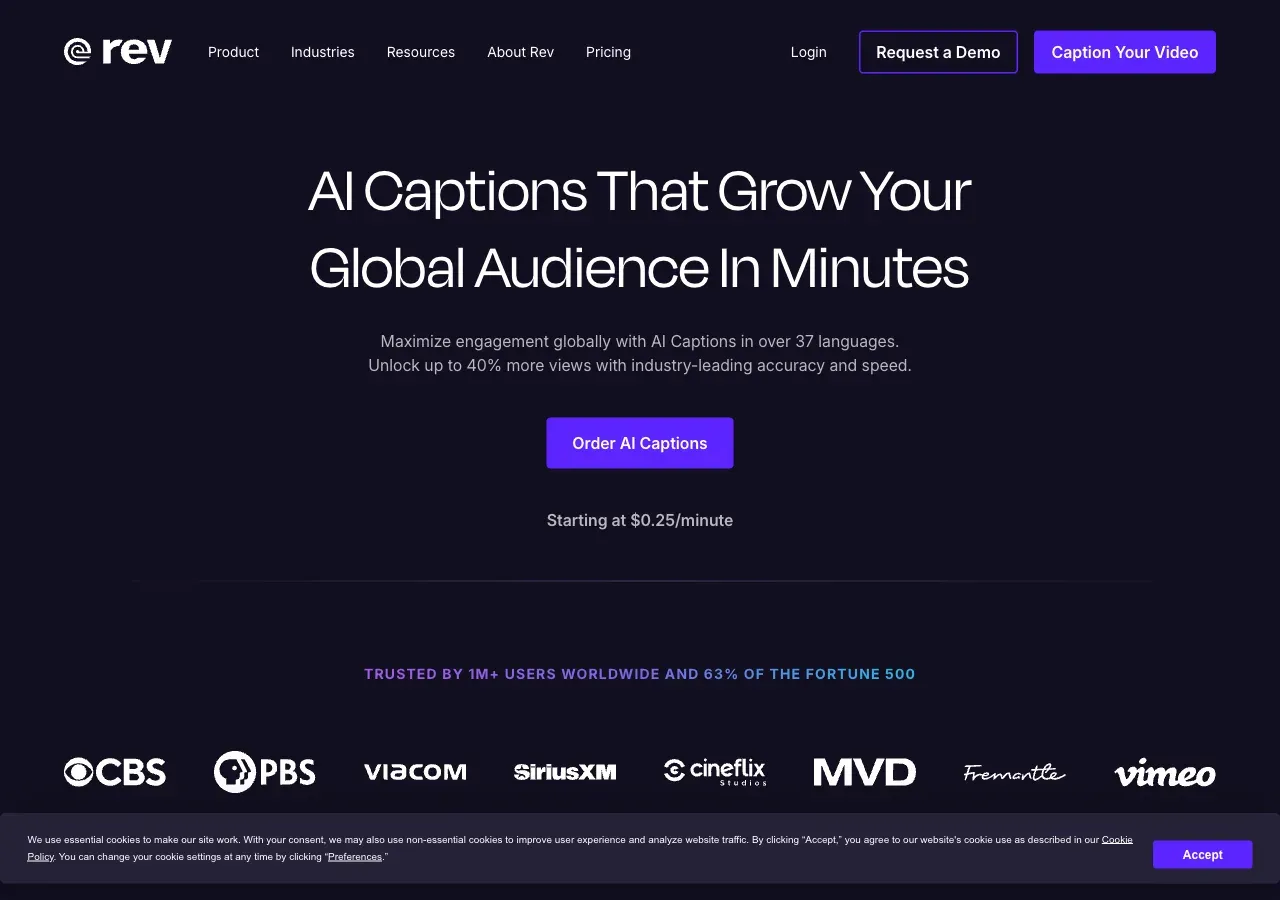
Rev’s dedicated captions product, at rev.com/services/ai-captions, still sells the flat per-minute pricing creators would recognize: $0.25/minute for AI captions, $1.99/minute for human-reviewed, 37+ languages, “95%+ accuracy in five minutes or less” for the AI pass. Worth knowing before you click through, though: Rev’s general homepage has moved on to leading with “Investigative Intelligence & Legal Transcription Platform” and a seat-based subscription (Essentials at $25.49/seat/month for 5,000 AI minutes, Pro at $47.99 for 10,000) — a pivot toward legal and enterprise transcription. The captions product above is still there, just no longer what the company leads with.
The option that actually matters here is the human review. An actual person checking the transcript against the audio gets you closer to broadcast-grade accuracy than any AI-only tool on this list, which is worth the $1.99/minute for legal, medical, or anything where a caption error creates real liability. For everyday creator content it’s a harder sell — AI-only options land within a few accuracy points for a fraction of the price.
Read the full CentClip vs Rev comparison →
9. Maestra
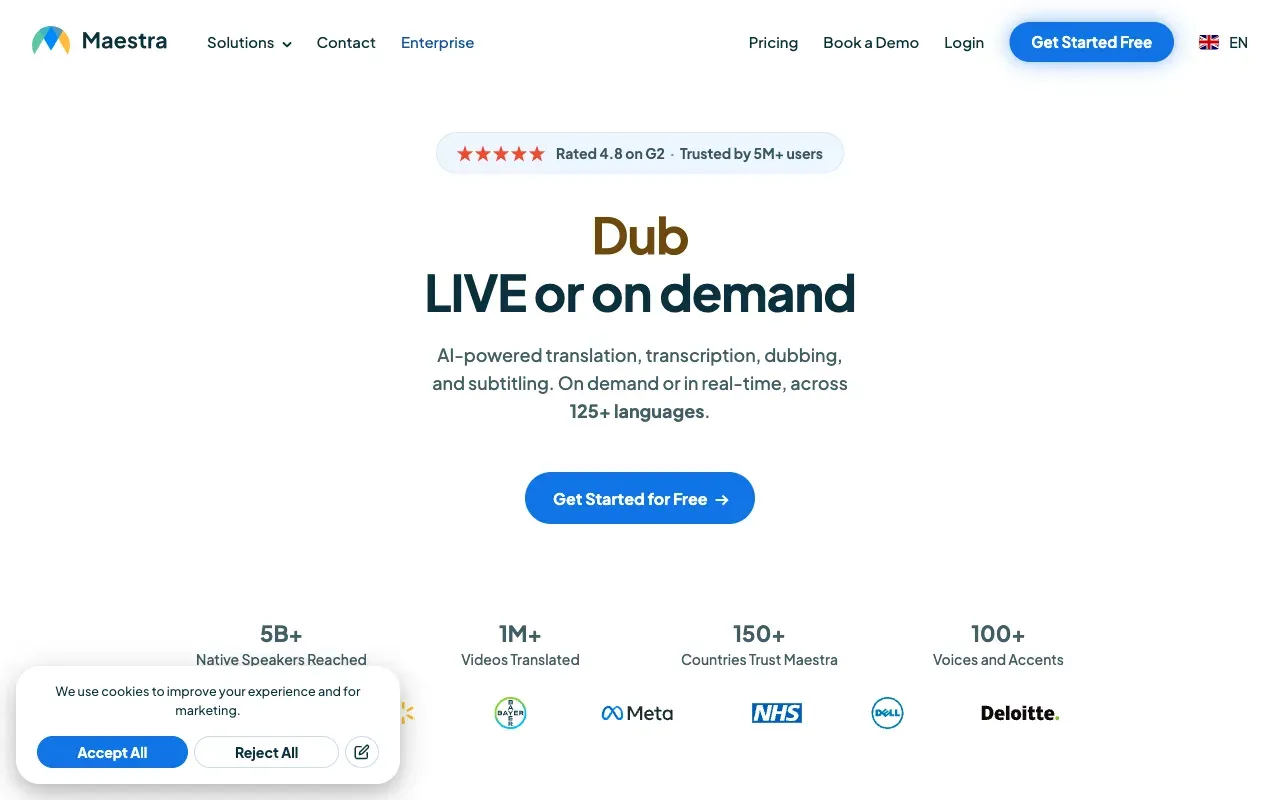
Maestra’s differentiator is a multi-engine pipeline (it draws on DeepL, OpenAI, and Gemini depending on the task) that handles captioning, translation, and dubbing in one place. If you’re localizing content into multiple languages and dubbing matters, not just subtitles, this is one of few tools that does all three without stitching together separate services.
For creators who just want English captions on a single video, it’s more machine than the job requires. Pay-as-you-go pricing starts around 20¢/minute, and the free trial is limited.
Read the full CentClip vs Maestra comparison →
10. CapCut
CapCut is still free to download and edit in, and it’s the tool a large share of short-form creators already have open. The catch, and the exact complaint that shows up repeatedly in creator forums: auto-captions moved behind CapCut Pro. The editor itself didn’t get worse. The specific feature you’re probably here for did get a paywall.
If you already pay for CapCut Pro for other reasons, captions are effectively free on top. If auto-captions are the only reason you’d open CapCut, you’re now comparing its Pro price against everything else on this list, not against “free.”
Which one should you pick
- You caption a handful of videos a month, unevenly: CentClip. Subscriptions punish irregular use; pay-per-minute doesn’t.
- Already editing full videos inside a browser tool like VEED or Descript? Captions are close to a free add-on at that point, since you’re paying for the editor either way.
- Posting almost exclusively short-form: Submagic, or CapCut if you already pay for Pro.
- Need more languages than anything else on this list covers? Happy Scribe wins on raw count. Maestra if dubbing matters too, not just subtitles.
- Accuracy has to be as close to perfect as possible: Rev’s human-reviewed tier at $1.99/minute is the one real option here, at a real cost premium.
Frequently asked questions
What's the most accurate AI subtitle generator?
Accuracy varies more by audio quality and accent than by tool at this point — most engines now sit in the 90-95% range on clean audio. Rev's optional human-reviewed pass gets closest to 99%, at $1.99/minute instead of pennies. For everyday creator audio, CentClip, VEED, and Descript all land close enough that price and workflow matter more than the accuracy gap.
Which AI subtitle generators don't watermark the free tier?
CentClip's 5 free minutes export clean, no watermark. So does YouTube's built-in auto-caption tool, since it's not exporting a separate video file. Most of the others on this list — ByteCap, Submagic, Kapwing, VEED — watermark or otherwise limit the free tier until you pay, which is the single most common complaint we found in creator discussions on this topic.
What's the cheapest option if I only caption occasionally?
If you caption a few videos a month, a subscription is close to the worst deal available — you're paying for weeks you don't use. CentClip's 5¢/min with no monthly minimum works out cheaper than any subscription tier below roughly 3 hours of captioning a month, and credits don't expire, so an occasional user isn't punished for going quiet for a few weeks.
Do subtitle generator credits or subscriptions expire?
It depends entirely on the tool, and it's worth checking before you buy. Subscription credits (Opus Clip, most of the tools on this list) reset every billing cycle, so unused minutes are lost. CentClip credits never expire — buy a block once and draw it down whenever.
Which is best for TikTok, Reels, or YouTube Shorts?
Submagic is built specifically for short-form vertical video, with 50+ animated caption templates designed for that format. CapCut is the free default a lot of short-form creators already have installed, though its auto-captions are now gated behind CapCut Pro. If you just need clean, accurate captions without a template library, CentClip and VEED both work fine for short-form too.
Can AI subtitle generators translate subtitles into other languages?
Yes, most of the tools on this list support translation to some degree. Maestra leans hardest into this with a multi-engine translate-and-dub pipeline. Happy Scribe has the widest raw language count at 150+. CentClip supports 50+ languages for captioning; translation into a second language is on our roadmap but not yet live.